Zooms that write themselves
Slipreel finds every click and pushes in on it — anticipating where your cursor is heading, not chasing it. Adjust any zoom on the timeline, or add your own.
For macOS 13+ · Apple Silicon and Intel
Slipreel is a Mac screen recorder and editor with automatic zoom, cursor smoothing, and device frames. Add on-device captions, refine your edit, and export a finished demo.
Slipreel finds every click and pushes in on it — anticipating where your cursor is heading, not chasing it. Adjust any zoom on the timeline, or add your own.
Real cursors jitter. Slipreel smooths the path, adds motion blur, and highlights clicks — while keeping the timing honest, even through sped-up cuts.
Wrap your recording in an iPhone or iPad bezel or a macOS window frame, drop it on any background, and dial in padding, corners, and aspect ratio. What you preview is exactly what exports.
Slipreel records what you typed and renders it as an overlay on its own timeline lane — mute any keystroke you'd rather not show.
The transcription engine ships in the app; the speech model downloads once on first use, then stays cached. Your recording never leaves your Mac. Edit the text, burn it in on export.
Timeline
Split at the playhead with Cmd+K. Every slice keeps its own trim and speed, snapping to clicks and zoom edges as you cut. Waveforms render right in the slice.
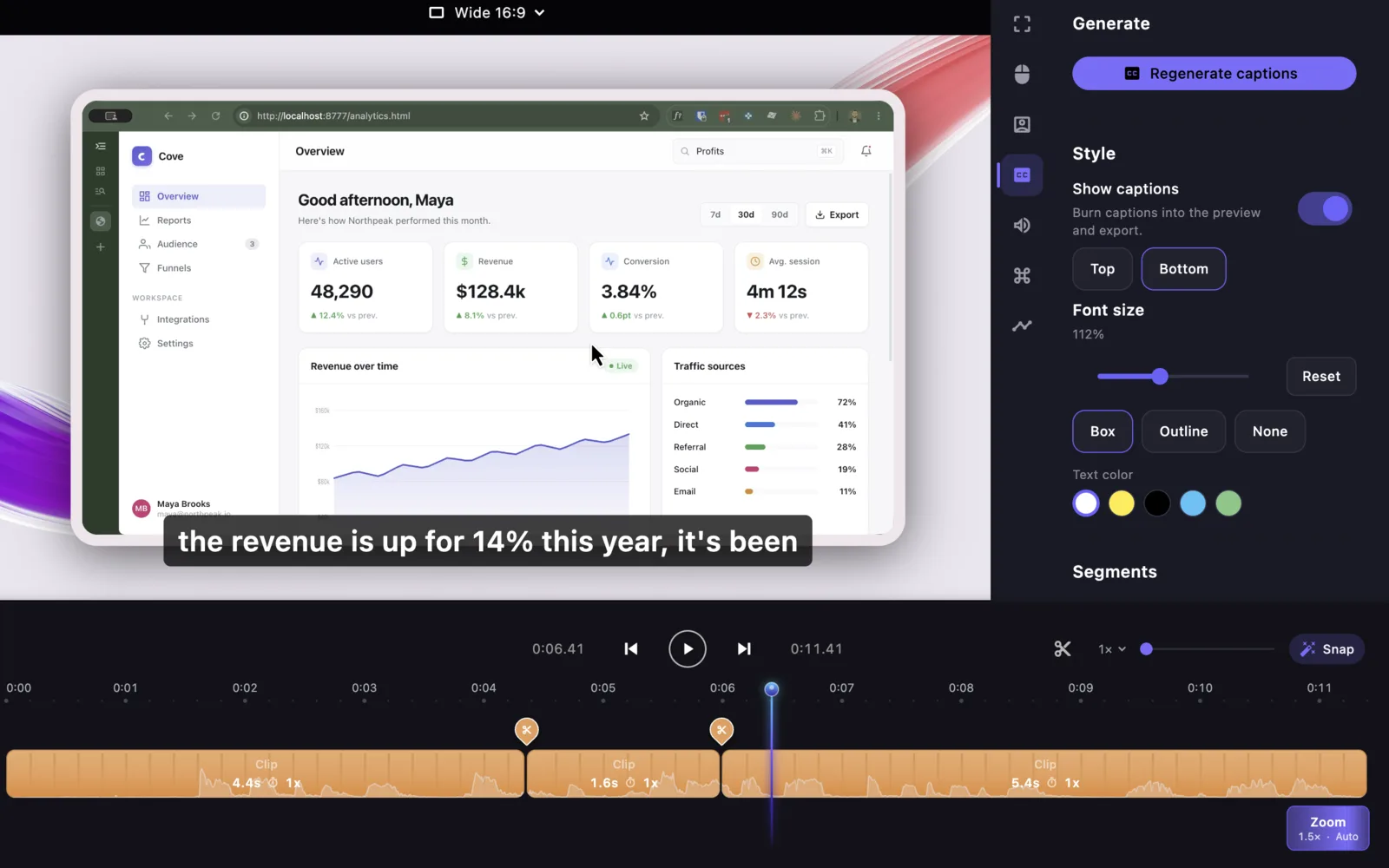
Audio
Mic and system audio are captured as independent tracks. Set volume per track, mute either one, and Slipreel mixes them down on export.
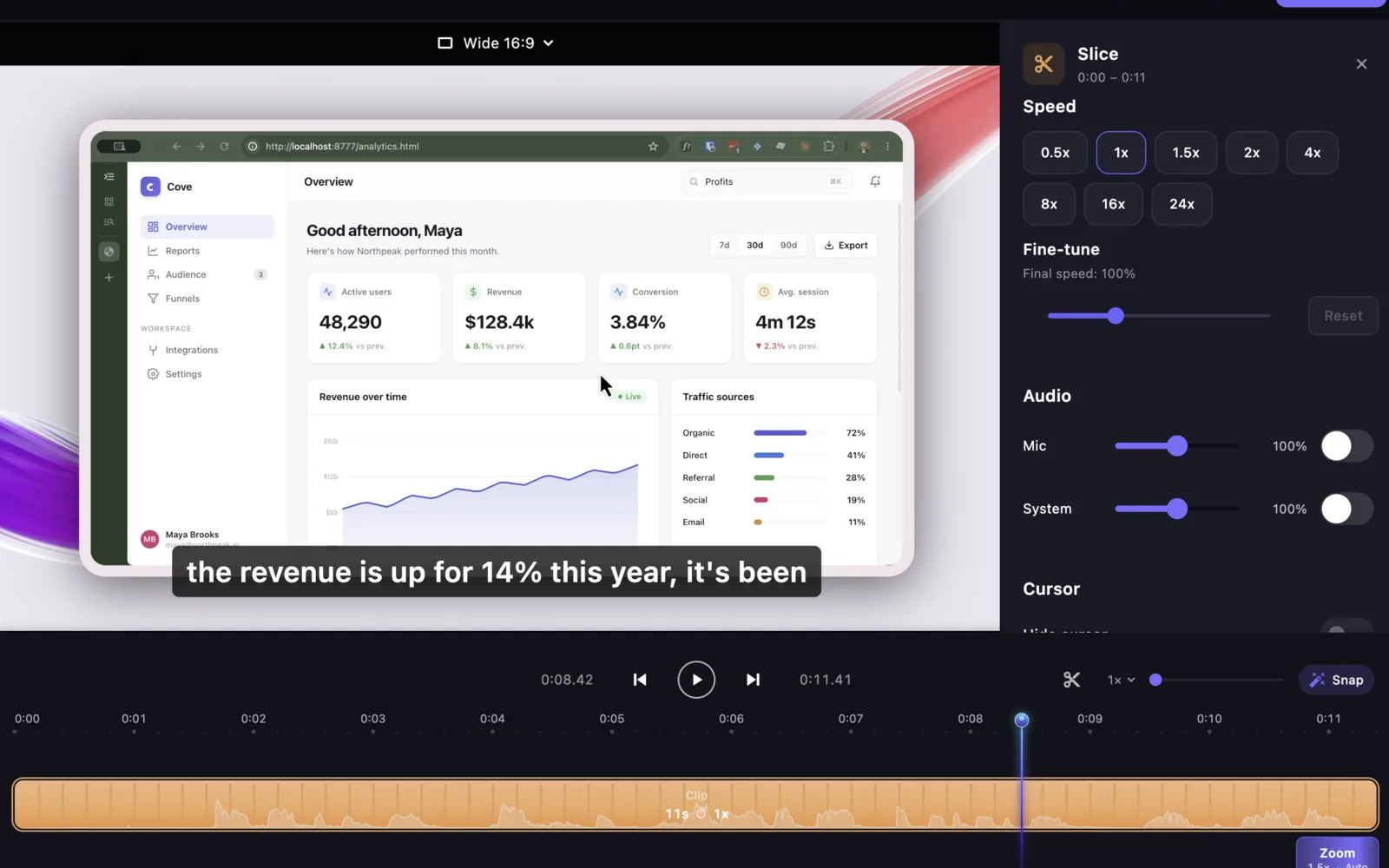
Camera
Record your webcam alongside the screen as its own track, kept frame-accurate against the recording.
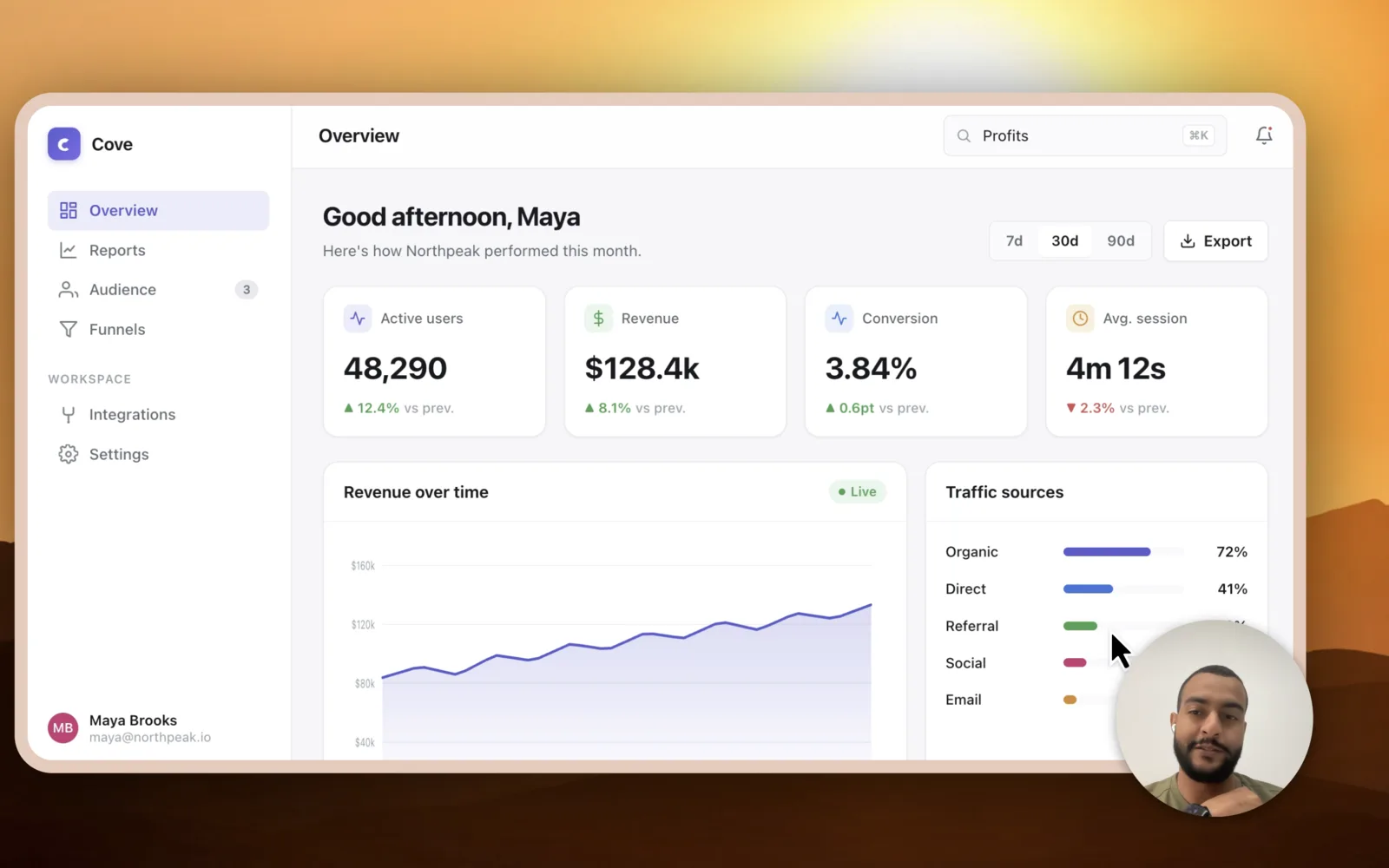
Export
The preview and the export run the same canvas math, so what you approve is what ships. Pick an aspect ratio and go.
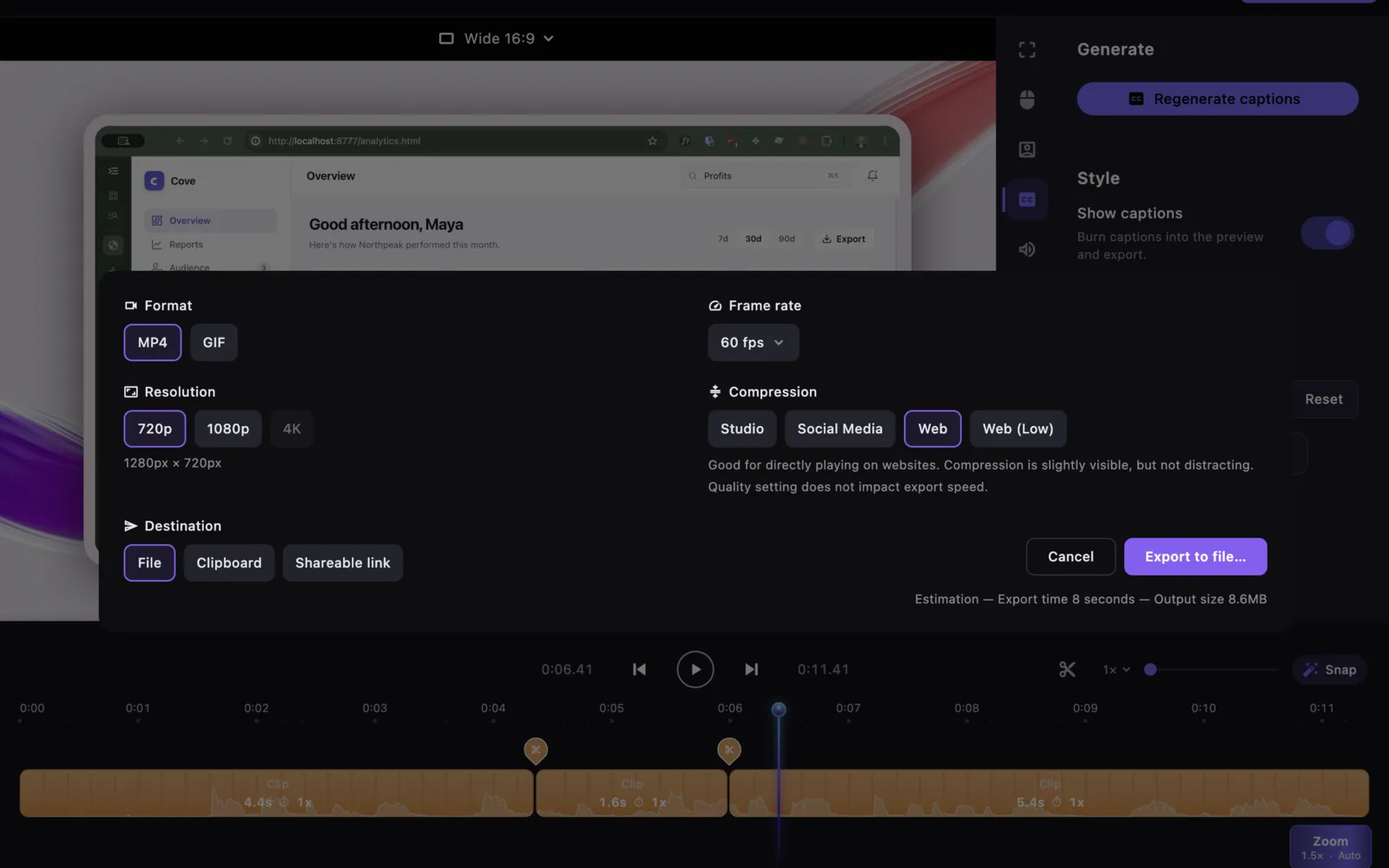
Choose how you want to use Slipreel. Both plans unlock unlimited exports on two Macs.
Recommended
$69 once
$9/month
Three full-quality exports are free. Record and edit without a time limit.
Download Slipreel freeSlipreel is a macOS screen recorder and editor that turns a raw screen capture into a polished product demo. The moment you stop recording it adds automatic zoom-ins on your clicks, smooths the cursor path, wraps the footage in a device frame on a background, and can transcribe captions on-device — then exports to MP4 or GIF. It records the full display, a single window, or a region, along with the microphone, system audio, and your webcam.
Anyone who makes product demos, tutorials, or feature walkthroughs on a Mac — founders, product and marketing teams, developer advocates, educators, and support teams — who want a finished, edited-looking video without opening a full video editor.
Verify your email before checkout. After payment is confirmed, a purchase started in Slipreel returns to the app to activate that Mac. If you bought on the website, install Slipreel and choose Sign in in the app. Three full-quality exports are included free; a paid license unlocks unlimited exports on two Macs.
You can keep exporting with versions released during your included update year. Later updates are an optional paid renewal. Online activation renews at least every 14 days, including for one-time licenses.
macOS 13 or later, on Apple Silicon or Intel.
Your recording media stays on your Mac for recording, editing, captions, and export. The app connects for license activation and renewal, update checks, and the first caption-model download. Optional analytics, diagnostics, and submitted feedback can also send data; see Settings and our privacy policy. Read our privacy policy.
The Whisper transcription engine ships inside the app and runs on your Mac. Generate captions when you are ready; the speech model is downloaded once on first use (about 488 MB) and cached; after that, captions work with no network at all, and your recording is never uploaded.
Slipreel is signed with an Apple Developer ID and notarized by Apple. Updates are cryptographically verified before they install.
Yes. Every auto-detected zoom is a normal timeline region you can move, resize, retime, or delete, and you can add your own.
Yes, as its own track, separate from the microphone, so you can mix them independently.
Email [email protected] within 14 days and you will get your money back.